
DRIVING
SIMULATOR
DRIVING
SIMULATOR
RESEARCH DOCUMENTS
PROCESS MAP
DISCOVERY
- •User Persona Analysis
- •Heuristic Evaluations
DEFINE & IDEATE
- •Industry Design Patterns
- •UI Interaction Points
DESIGN & BUILD
- •Story Boarding
- •UX Flow Architecture
- •UI Component Library
- •Hi-Fi Screens
TEST & ITERATE
- •Functionality Testing
- •Physics Simulation
- •Environment Variables
TARGET USER PERSONA

Cab Driver
Primary User Segment
Demographics
18-55+ Years
Smartphone (Android)
Varied (School Level to Graduate)
Motivations
- Entertainment & Fun
- Escape from Reality
- Incentive Rewards
- Communication
Inspirations
- Social Recognition
- Income Stability
- Career Growth
- Asset Ownership
Challenges
Screen Time Analysis
◑JOURNEY FOR TUTORIAL
Scroll through each simulation step. A step-by-step guide for the driving simulator.
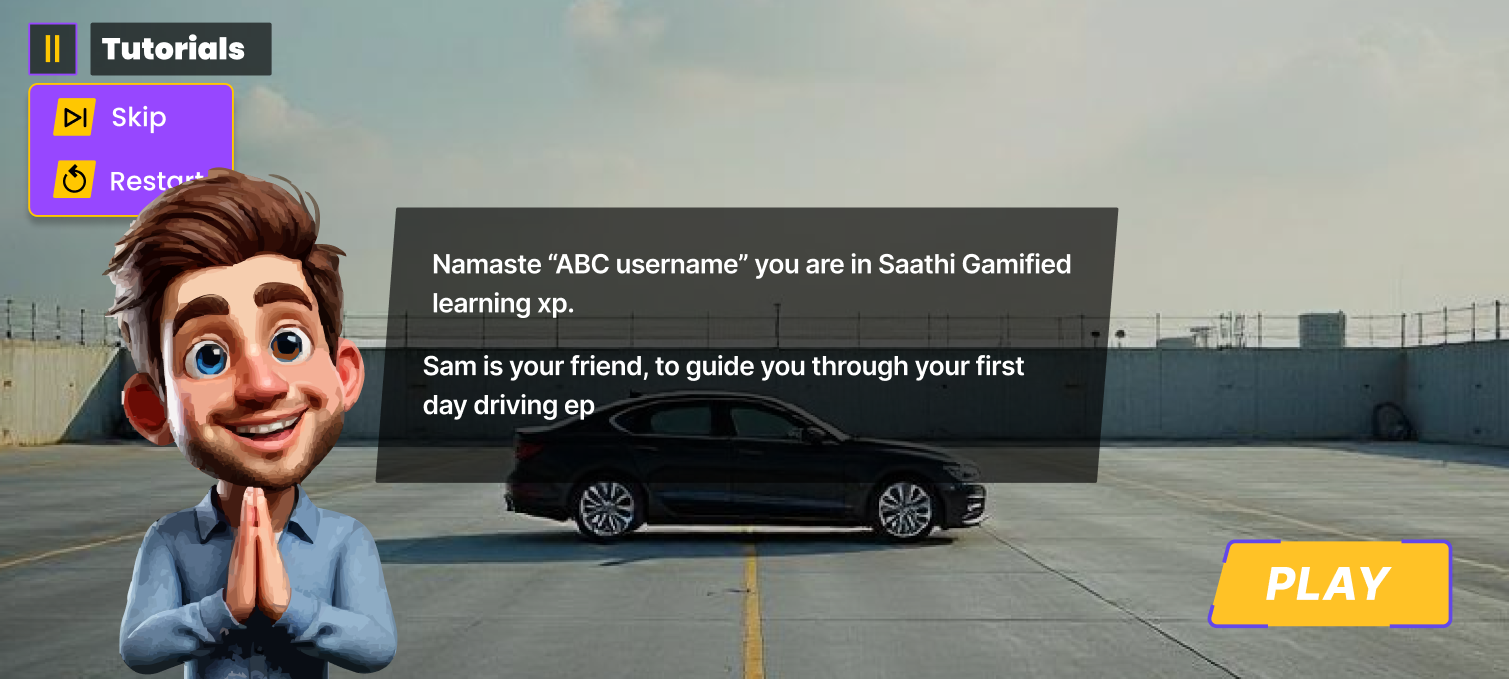
Scene 1 Intro
Scene 1 Intro
Cinematic animated scenes & briefing
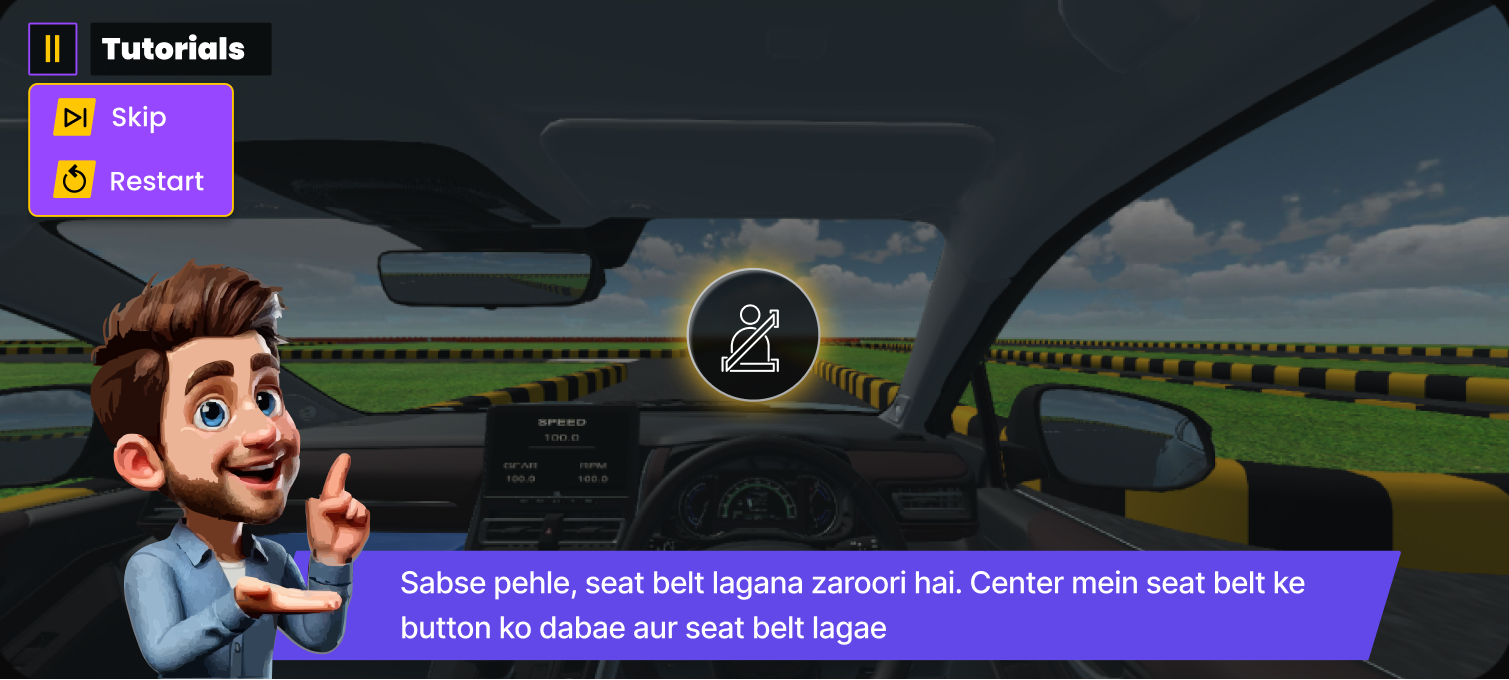
Seat Belt
Seat Belt
Safety check initialization
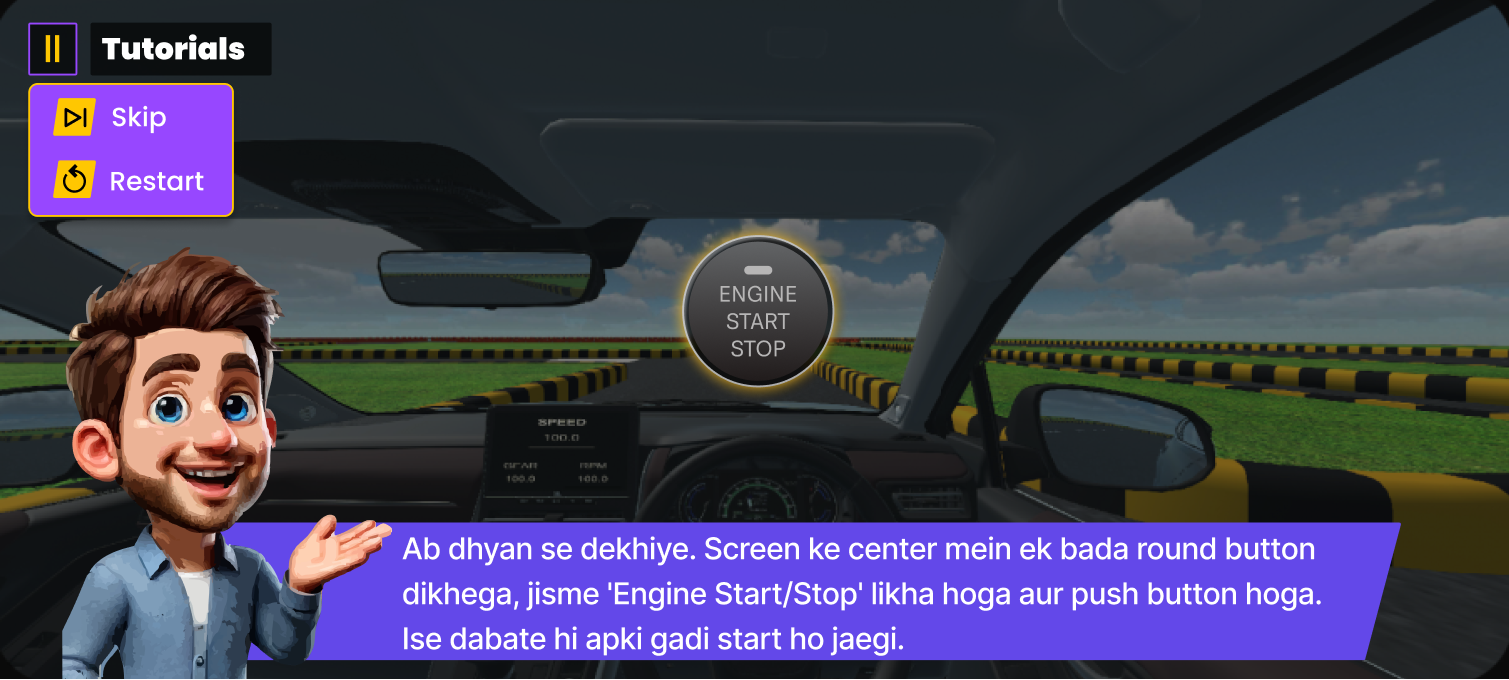
Car Ignition
Car Ignition
Engine start sequence
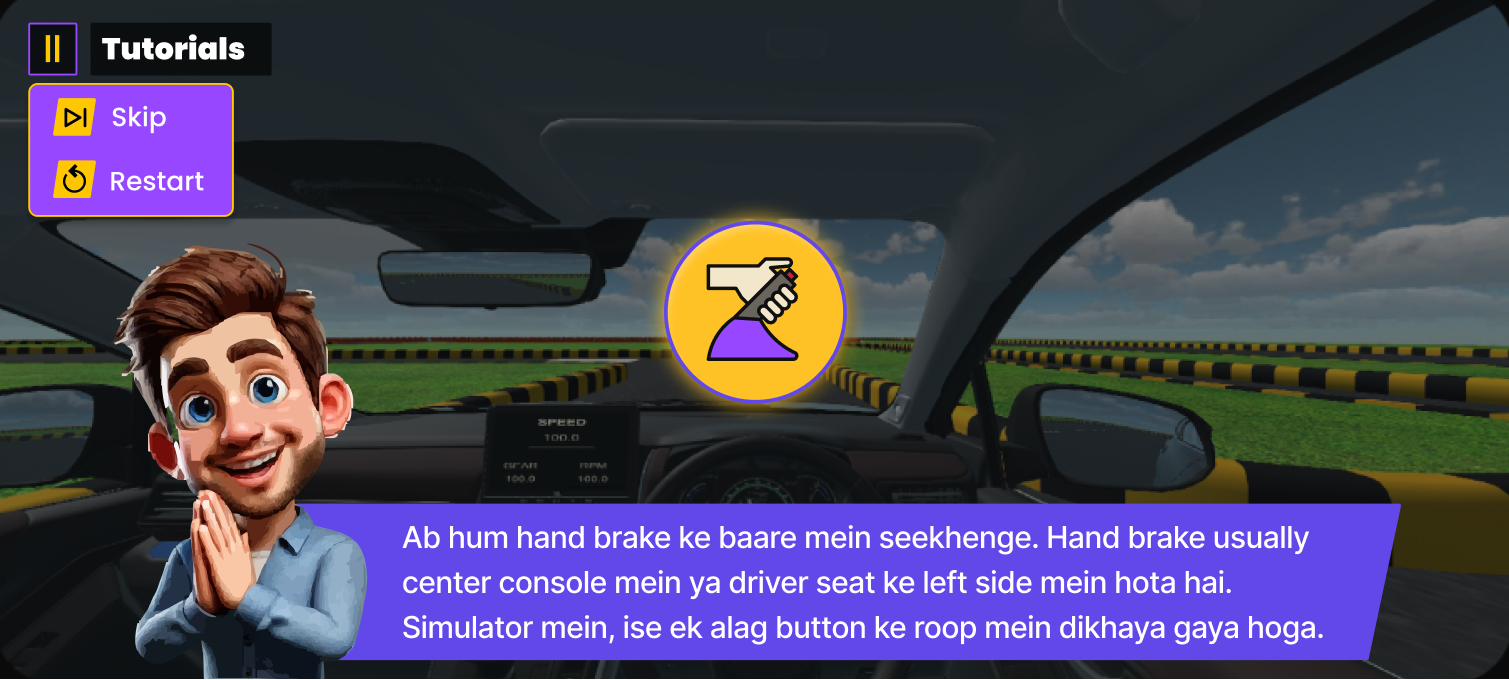
Hand Brake
Hand Brake
Disengage to proceed
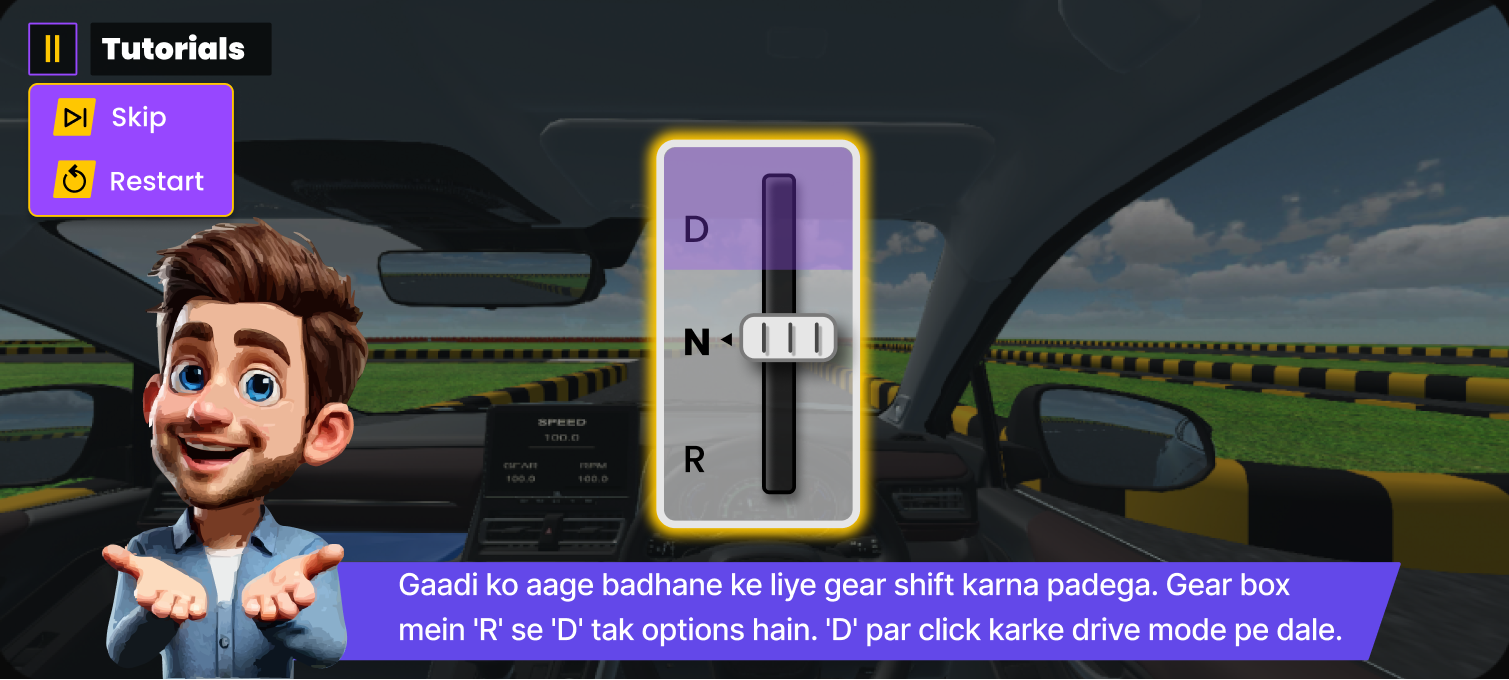
Gear Change
Gear Change
Shift to Drive
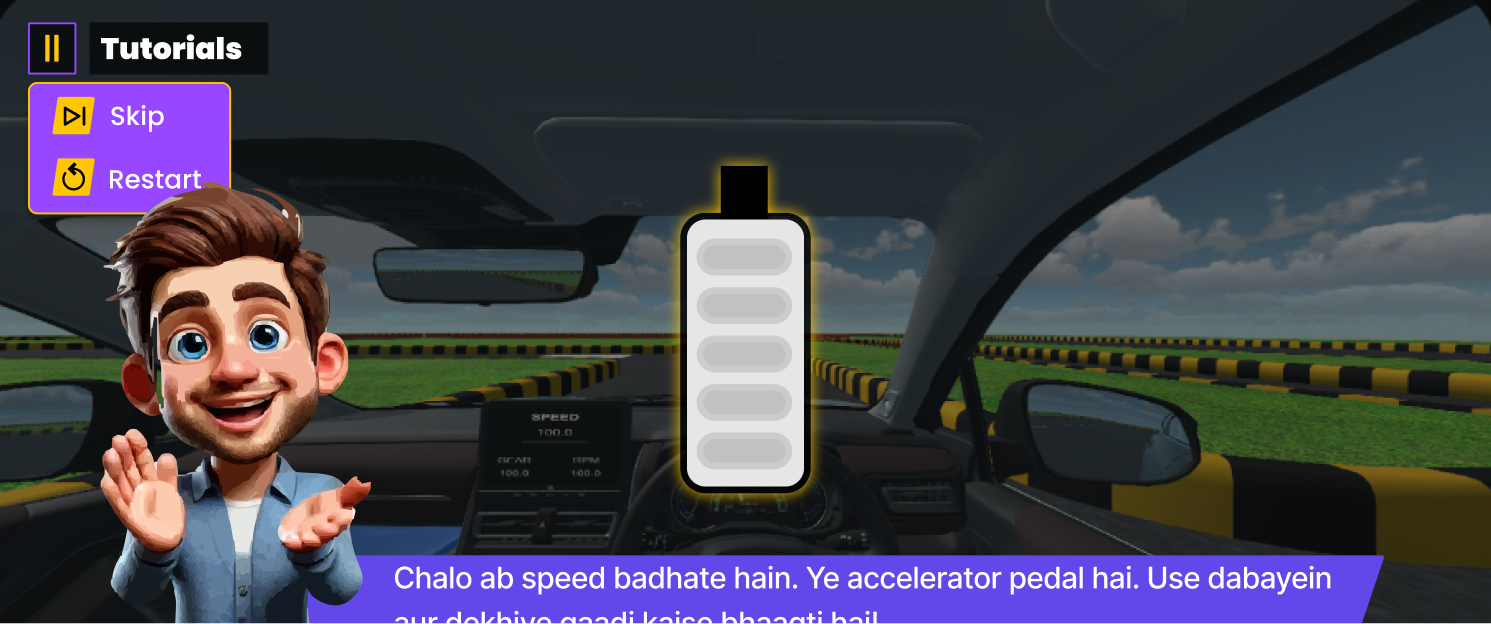
Accelerate
Accelerate
Apply throttle progressively
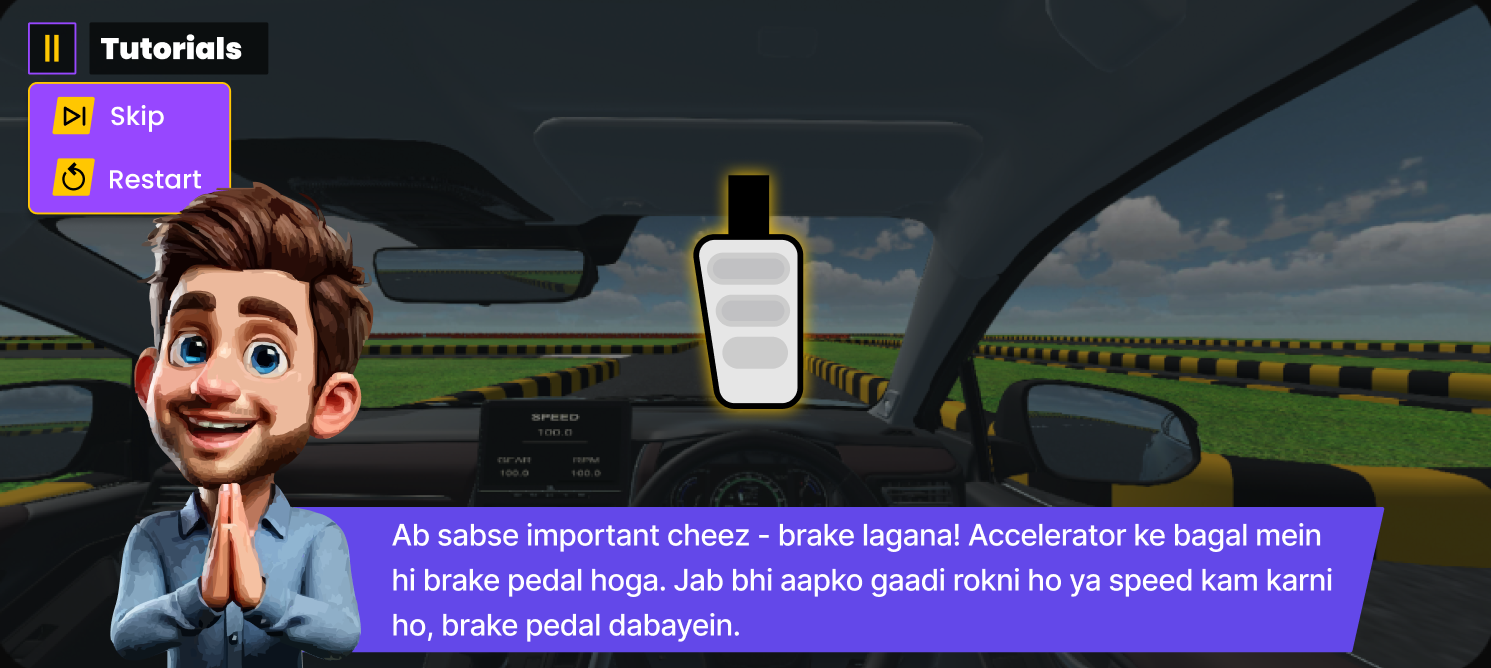
Braking
Braking
Controlled deceleration
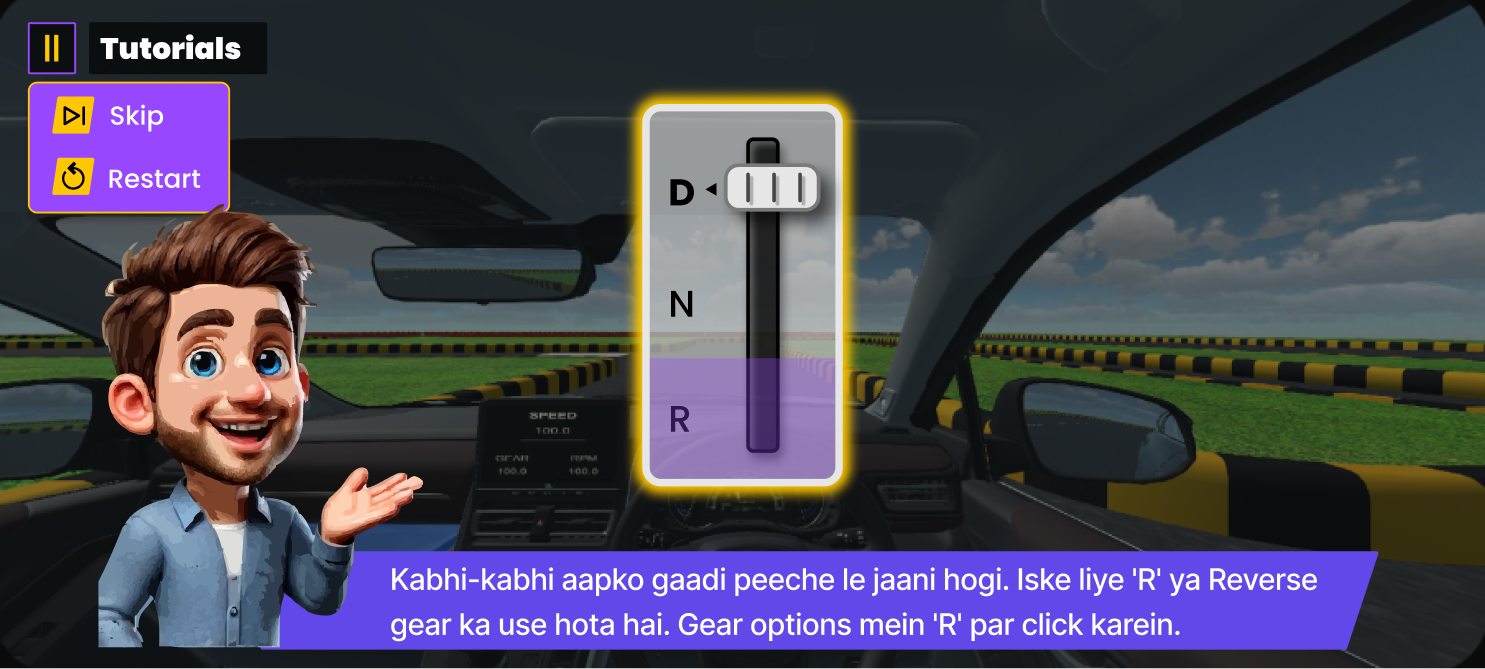
Reverse
Reverse
Rear manoeuvre mode
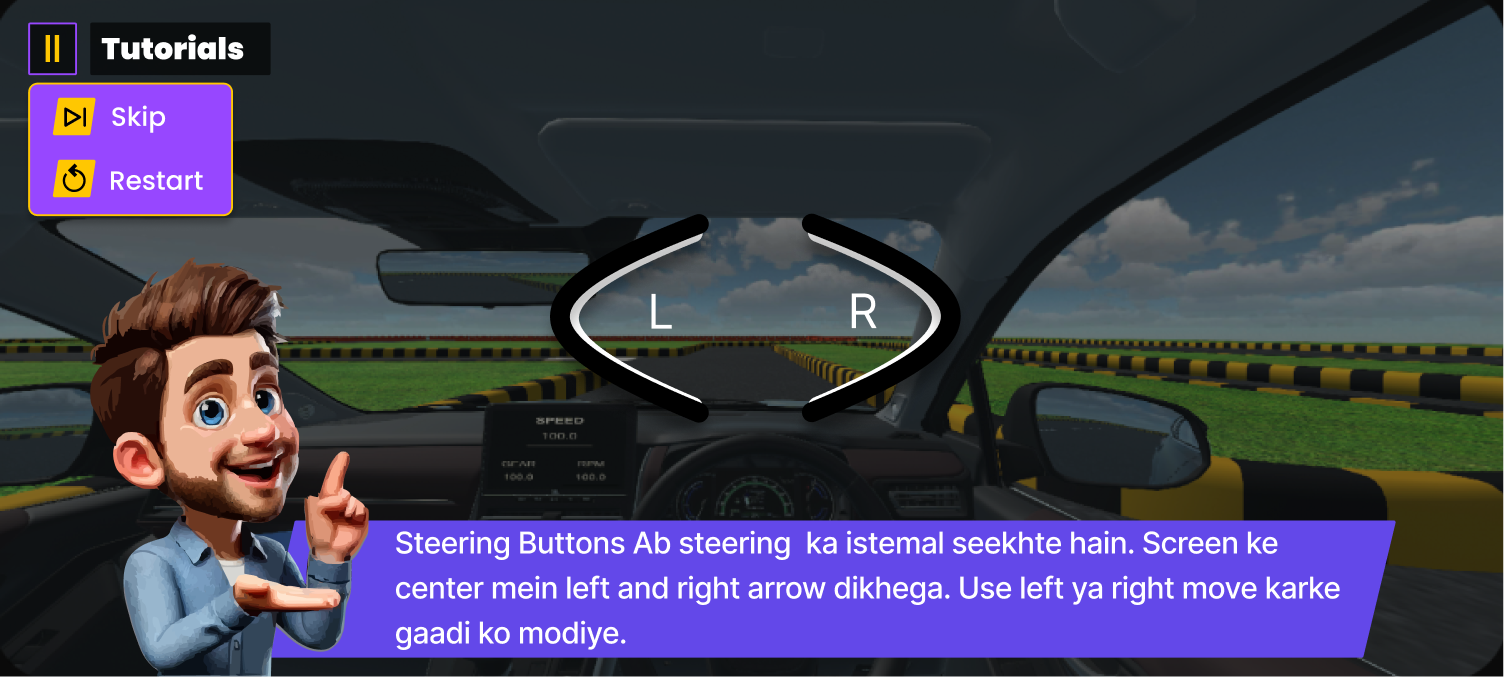
Steering Control
Steering Control
Directional navigation
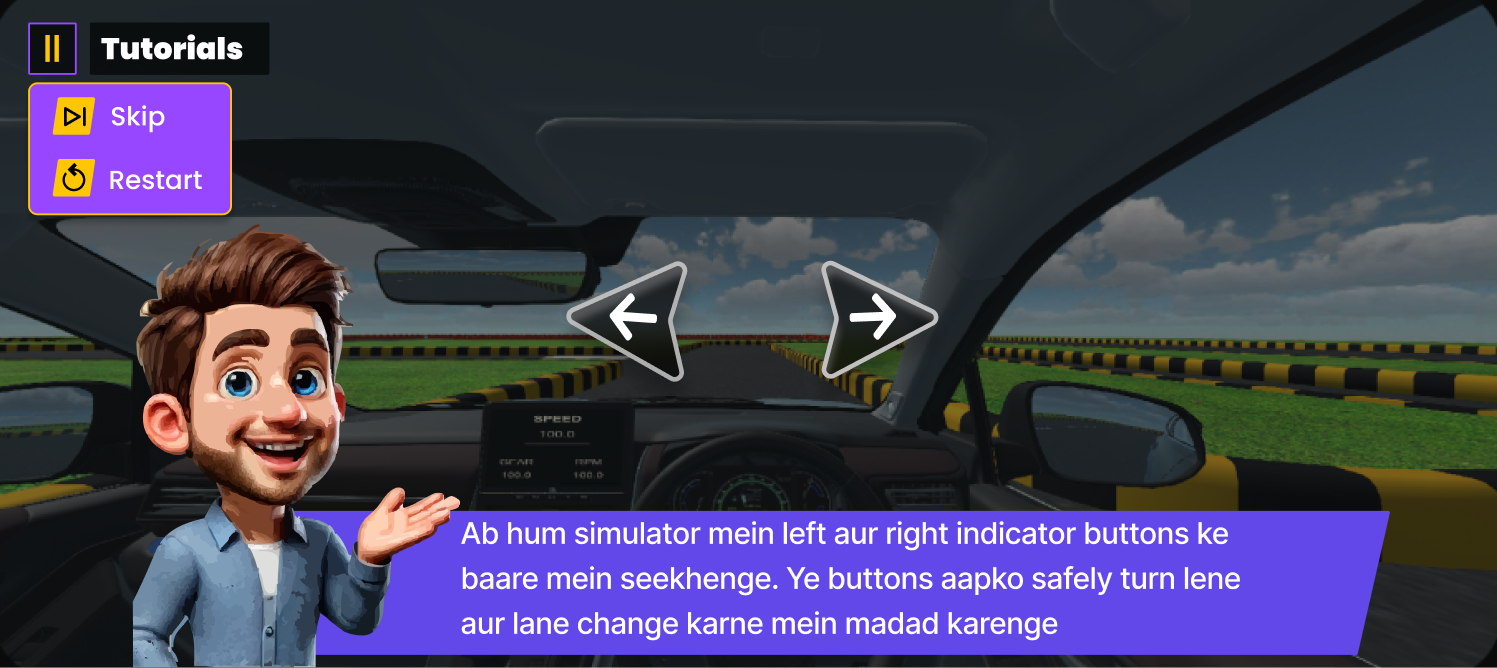
Indicators
Indicators
Signal intent to other vehicles
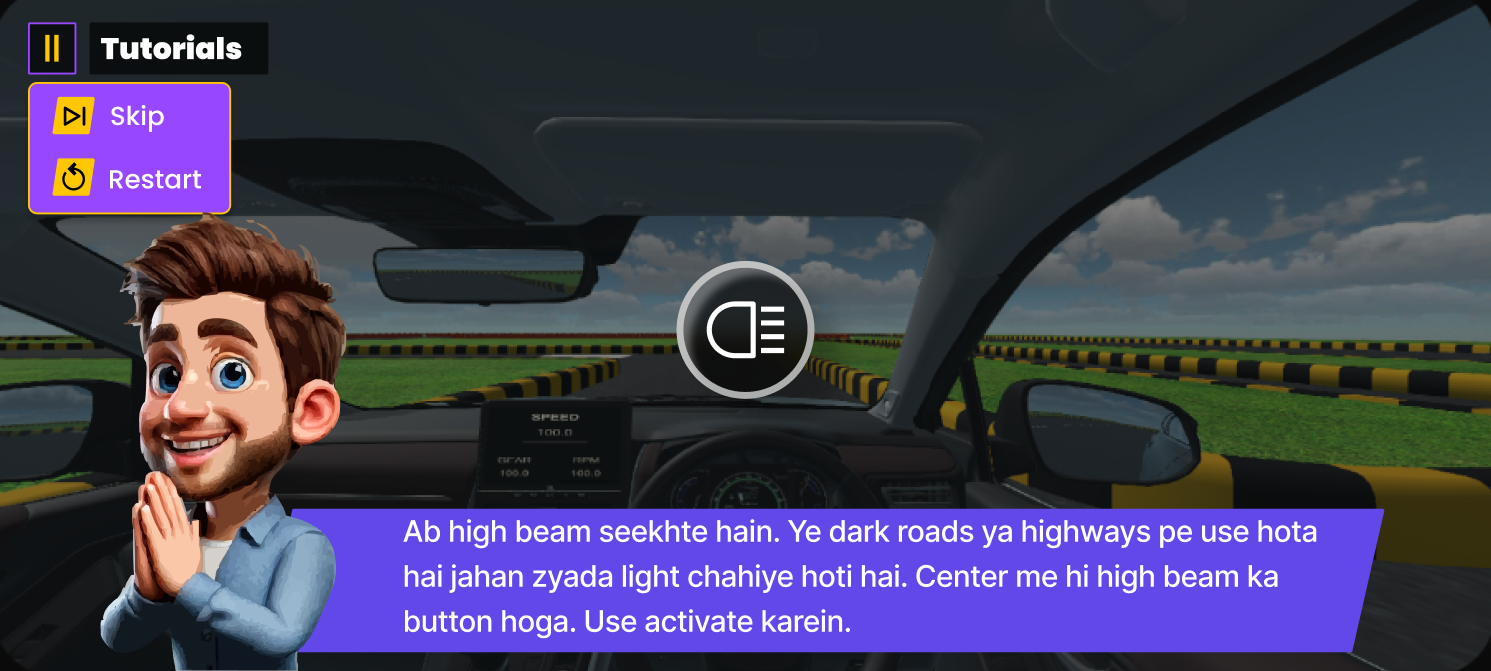
High Beam
High Beam
Maximum range illumination
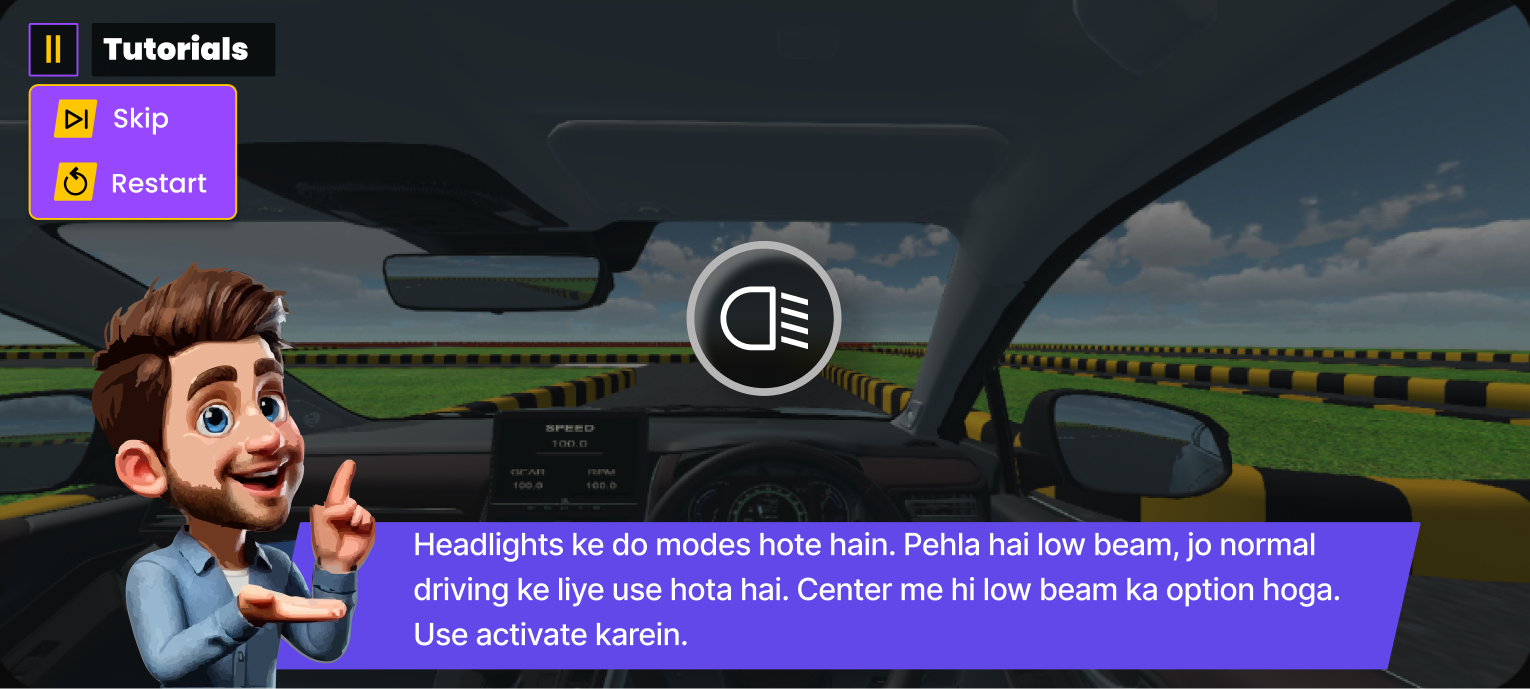
Low Beam
Low Beam
Standard road illumination
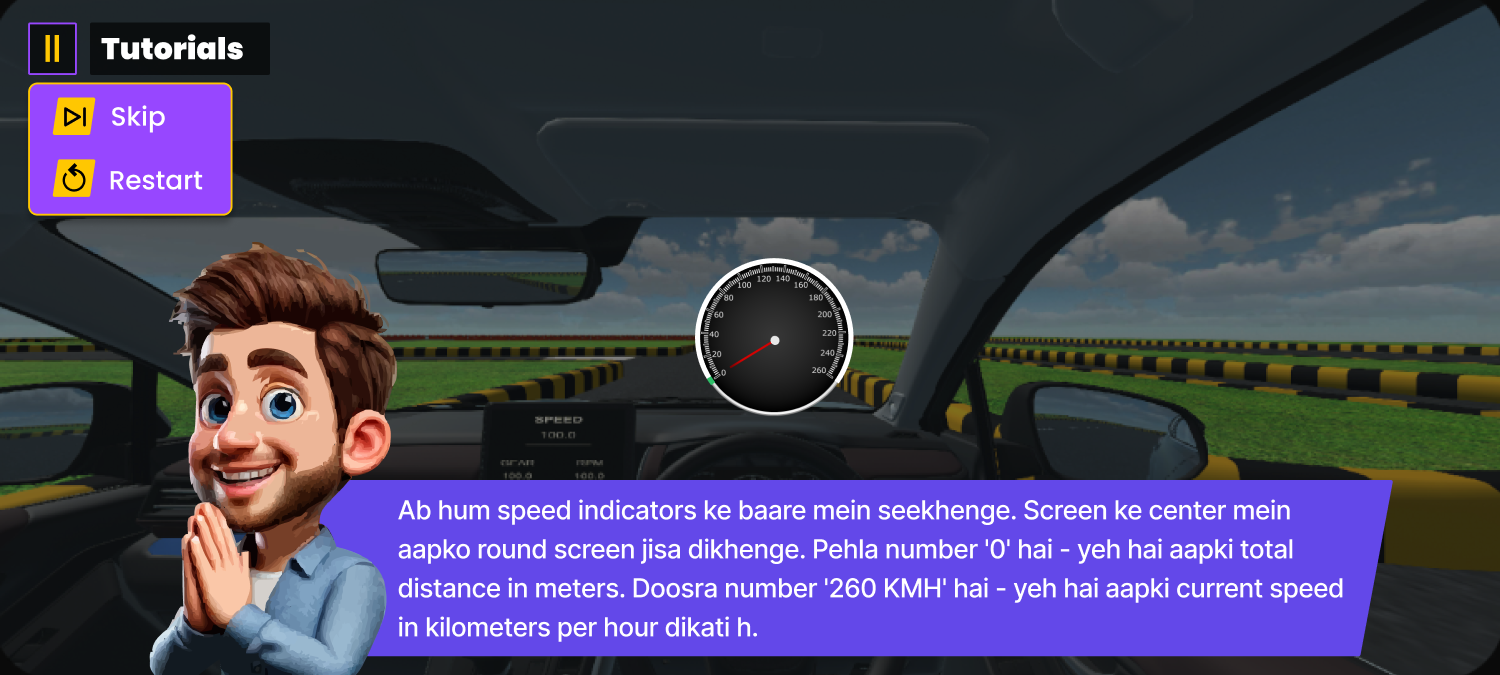
Speed Indicators
Speed Indicators
Real-time velocity monitoring
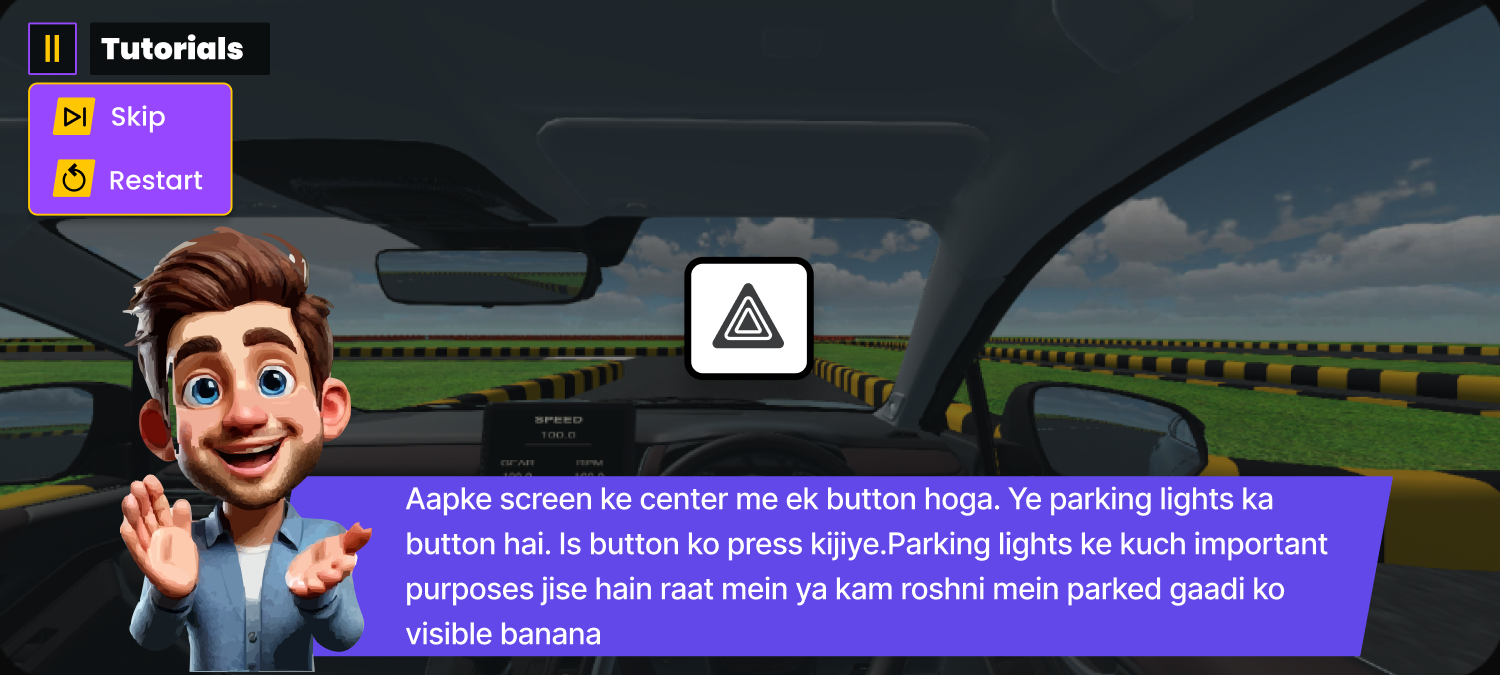
Parking Light
Parking Light
Sidelights for stationary visibility
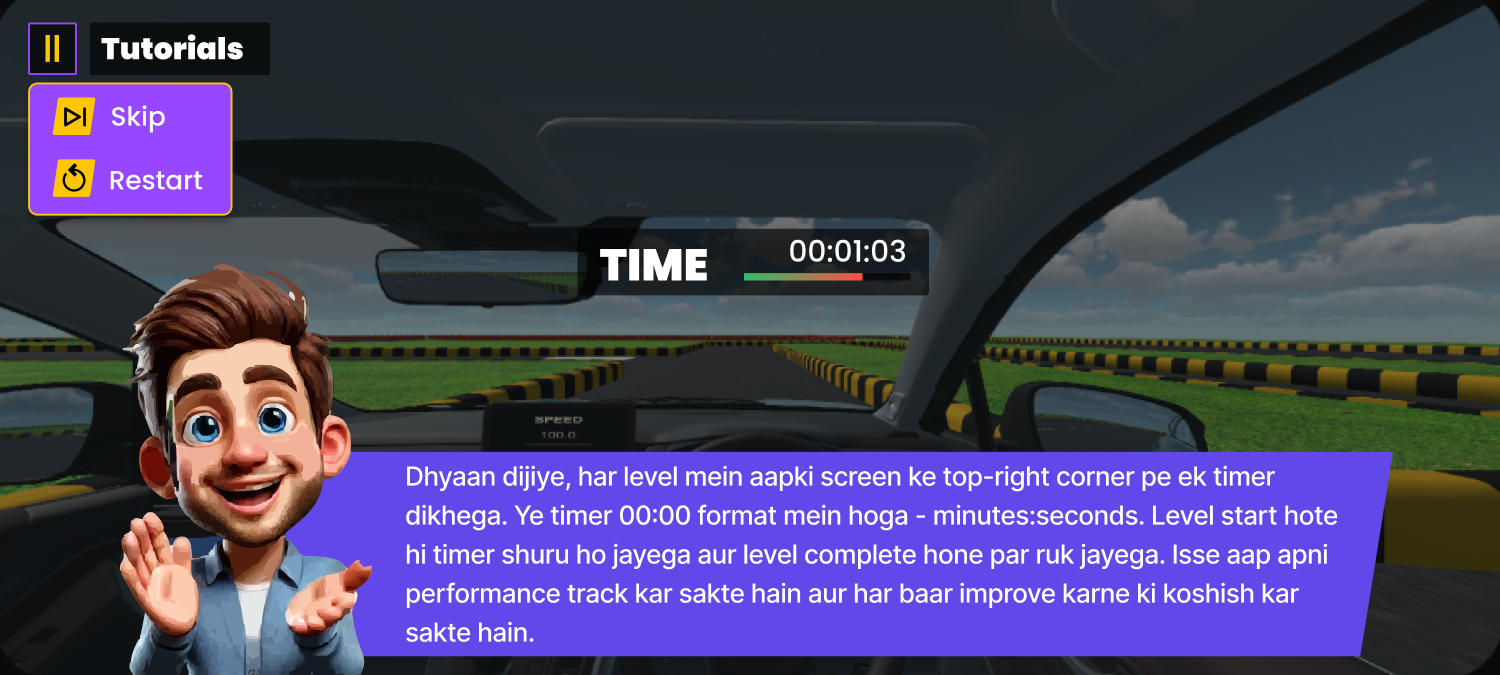
Timer
Timer
Scenario countdown clock
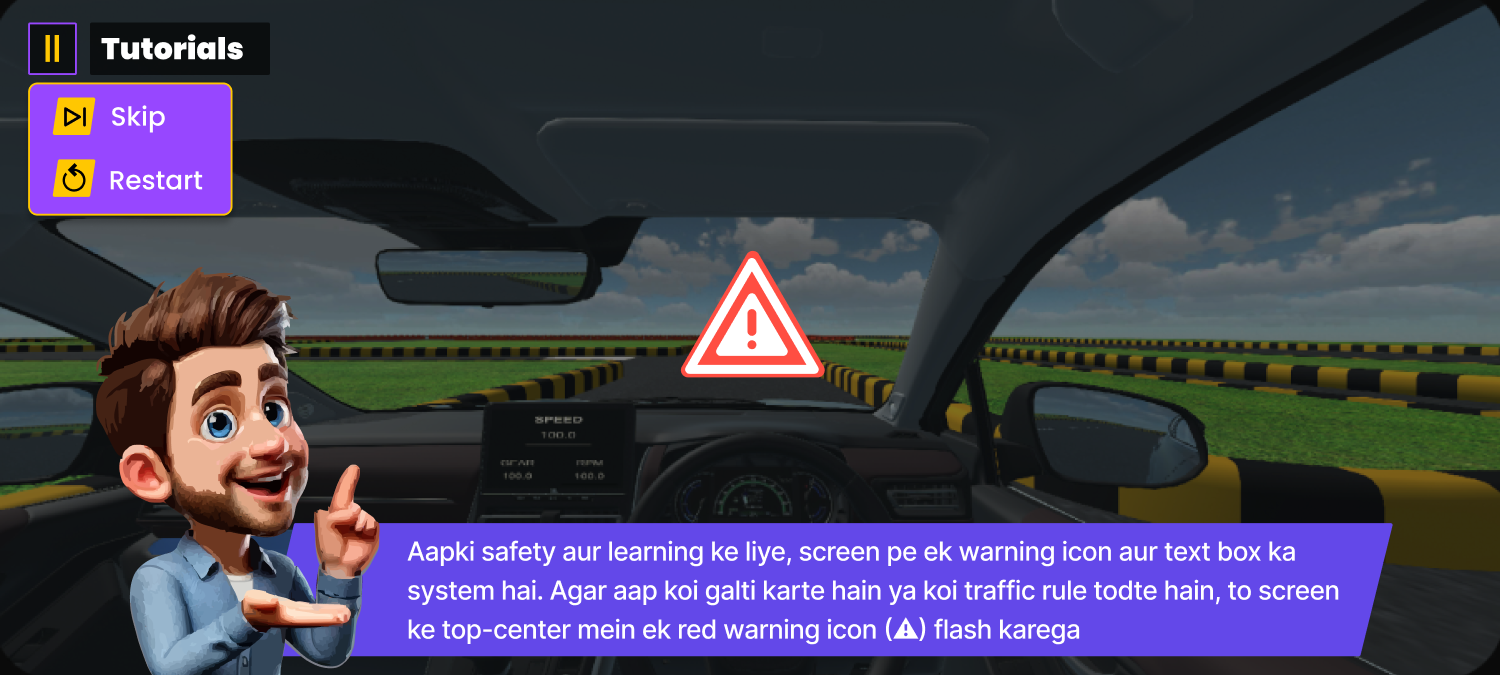
Warnings
Warnings
Critical system alerts
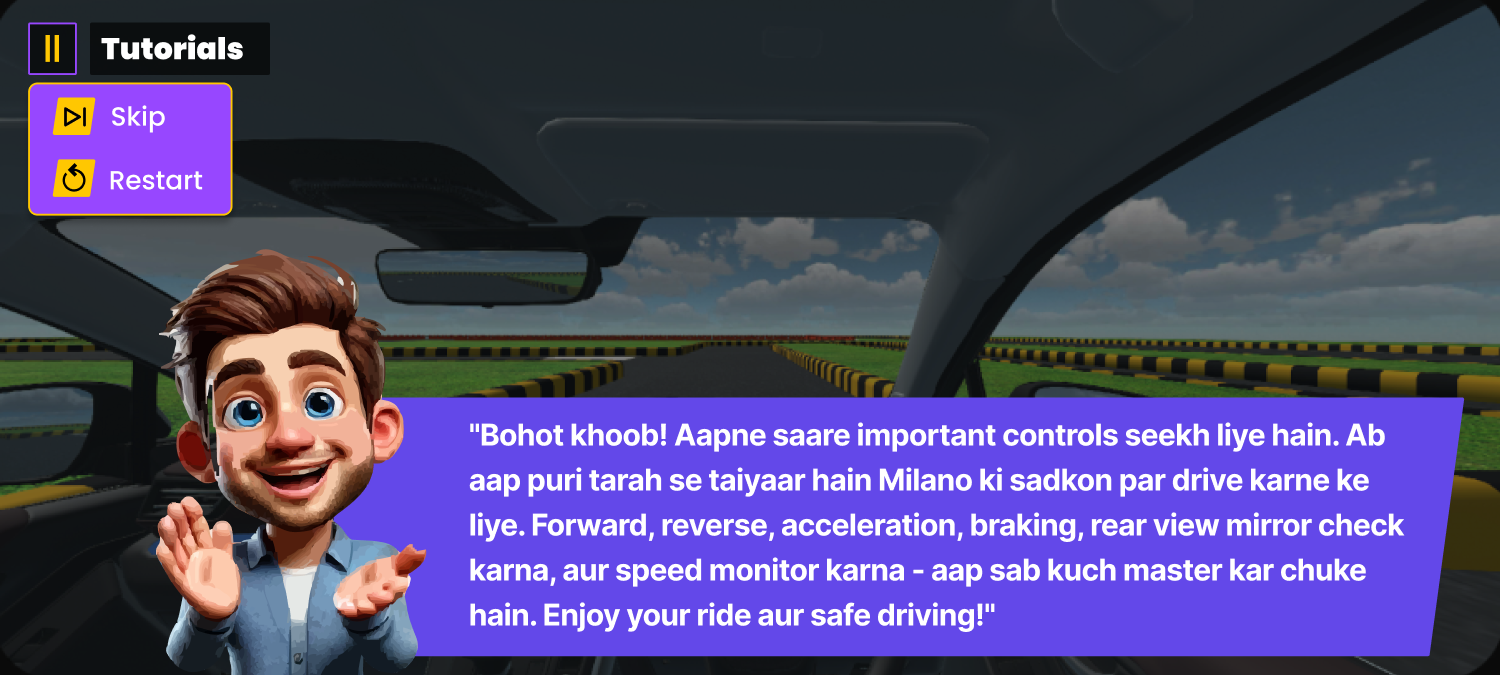
End of Scenario
End of Scenario
Score summary and debrief
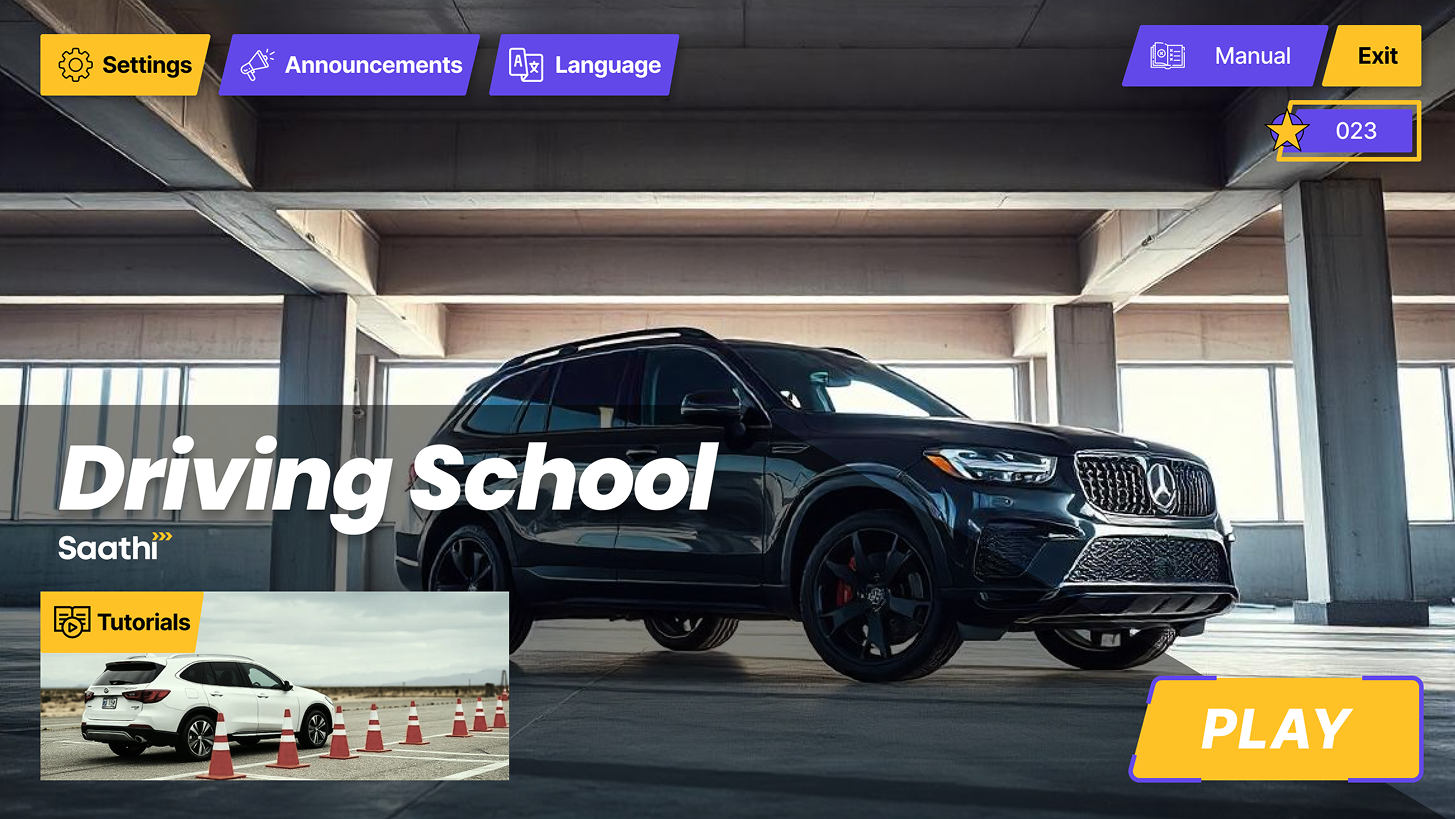
UI DESIGN SHOWCASE
UNITY DEVELOPMENT CYCLE
TECH STACK
Built on Unity with C# scripting and rendered in URP (Universal Render Pipeline), the Driver Game Simulation is designed for tutorial purposes and targets Android.
Models and assets are created in Blender and integrated via Unity Asset Store plugins. Gyroscope controls enable intuitive steering by tilting the device, delivering an authentic driving feel on mobile.
Custom vehicle dynamics, tire physics, and collision detection power the simulation, with URP delivering performant graphics optimised for Android devices.
TEAM
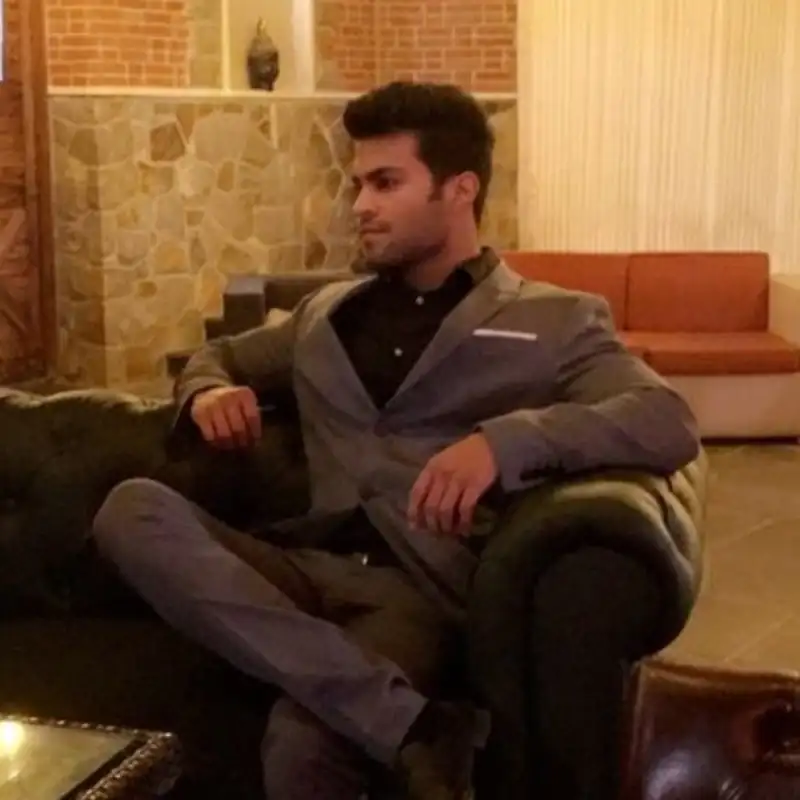
Ishan Kukreja
Game Producer

Vnsh Kumar
Unity Developer

Shobhit Rawat
Unity Developer
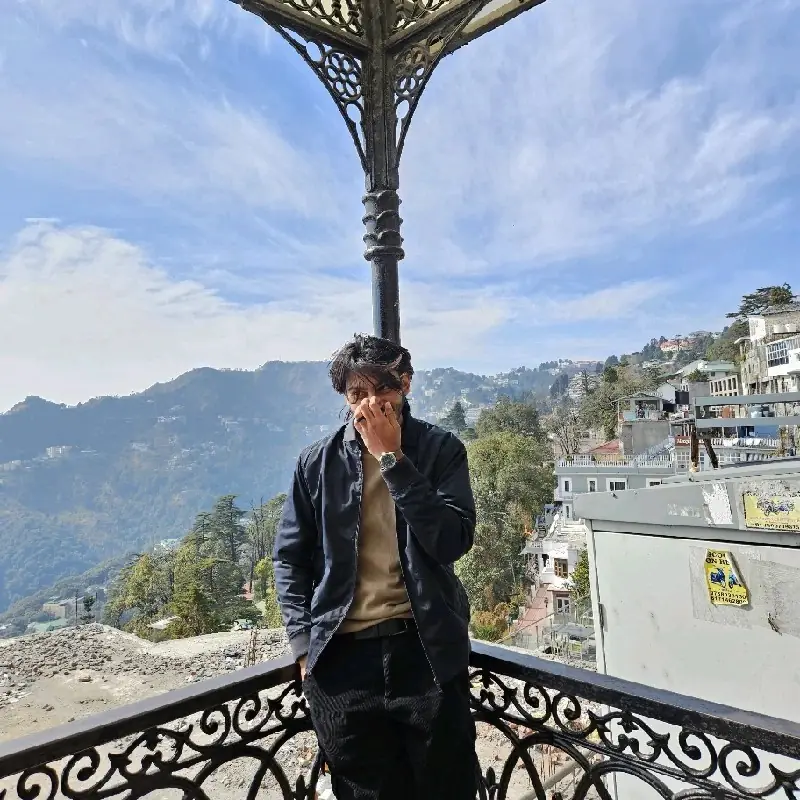
Dev Godhaniya
Unity Developer

Pranjali Soni
UI/UX Designer
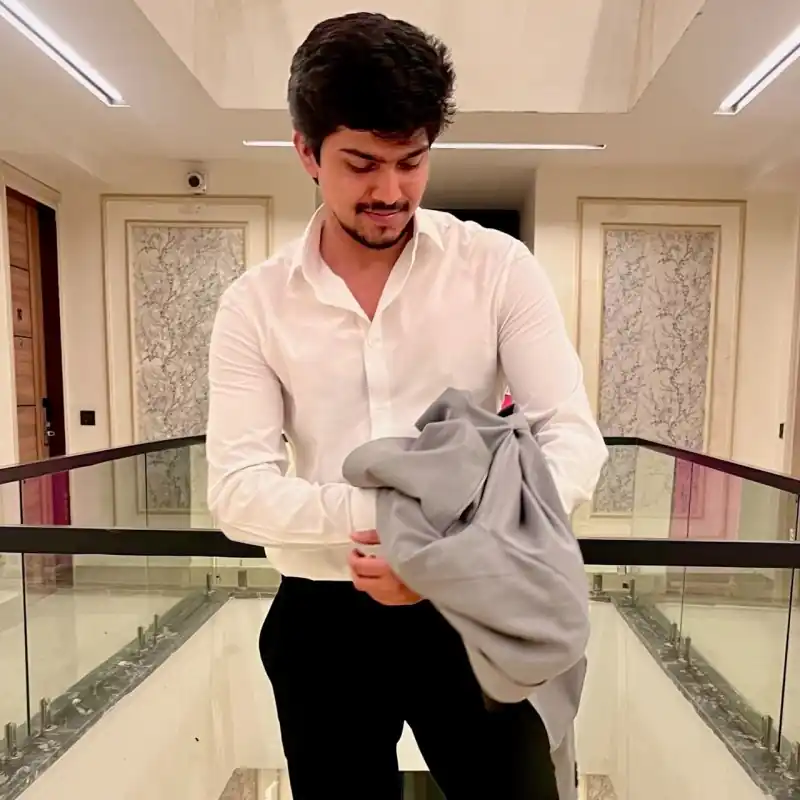
Sahil Bidha
3D Animator

Ankit Kumar
3D Asset Designer
Let's Create
Something Extraordinary
Share your idea—genre, target market, budget range—and we'll reply with a customized build plan and timeline for your absolute vision.
Fast Response
We aim to respond to all inquiries within 24-48 hours with actionable next steps.
Secure & Private
Your ideas are safe with us. We're happy to sign an NDA before diving into details.